Deviations
A deviation is what Octiga calls it when a tenant’s Microsoft 365 configuration stops matching a baseline. Every baseline gets one of four verdicts, and knowing what each means, and how current it is, tells you where a tenant stands.
The four verdicts
Section titled “The four verdicts”Octiga compares each baseline’s actual state with what it should be, and reaches one of four verdicts:
| Verdict | What it means |
|---|---|
| Passing | The setting matches the baseline. |
| Deviated | The setting doesn’t match the baseline. This is what opens a deviation. |
| Excluded | The tenant or user lacks the Microsoft licence this baseline needs — see below. |
| Not assessed | Octiga doesn’t yet have an answer — see below. |
A deviation opens when a setting stops matching the baseline. It resolves when the setting comes back into line, or when the baseline itself changes underneath it; either closes the deviation.
Where you see them
Section titled “Where you see them”- The org-level tab’s status column, on a tenant’s Baselines screen.
- The user-level roster and the user’s own detail panel, as Passing, Deviated and Excluded facets you can filter by.
- A group’s member triage list, as the same red-or-green heatmap dots used elsewhere.
- The baseline editor itself, as a field-level Deviated tag naming the current value.
- The Alerts list, as an alert that’s always warning severity, whatever the baseline.
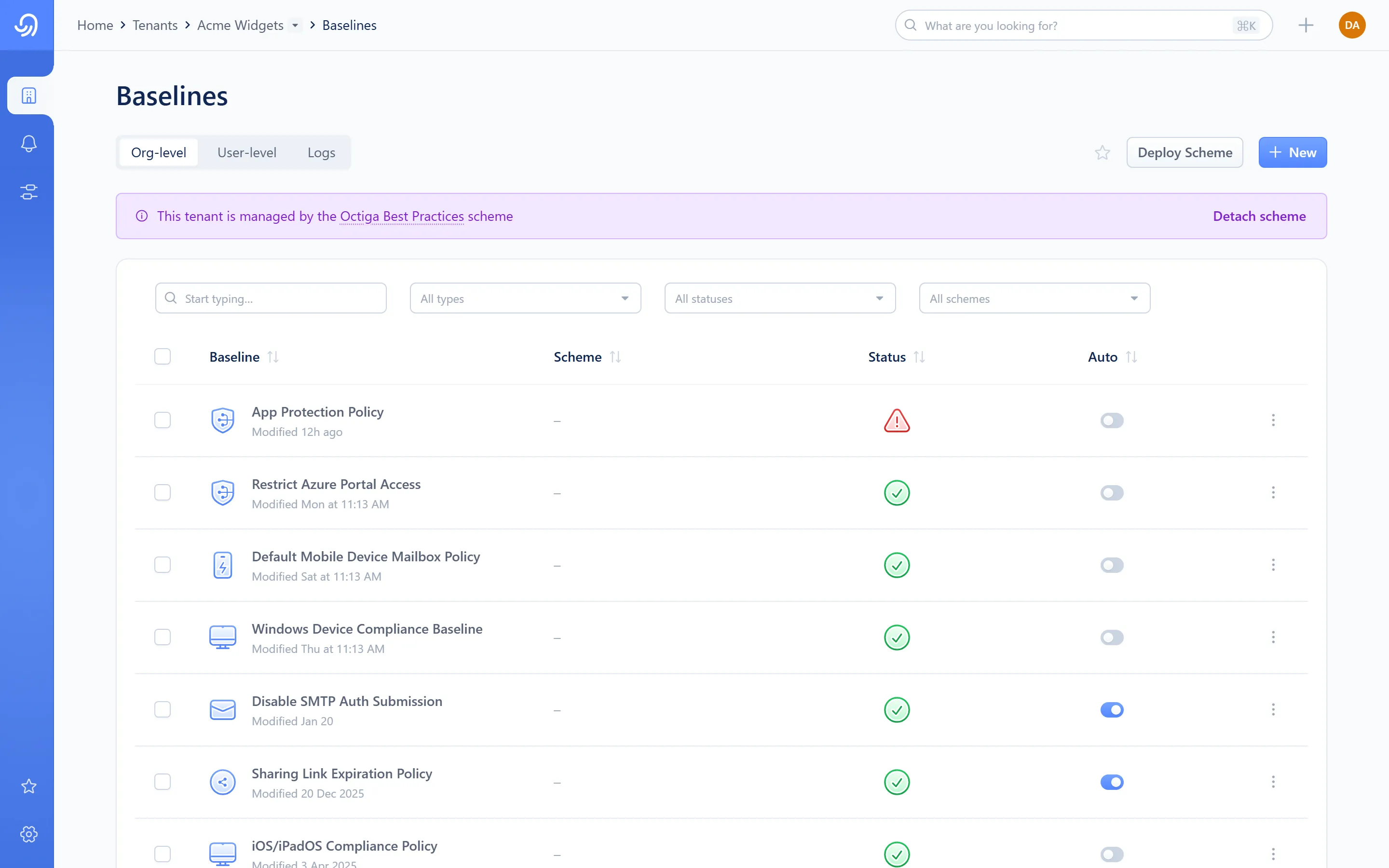
- Status column — Passing or Deviated
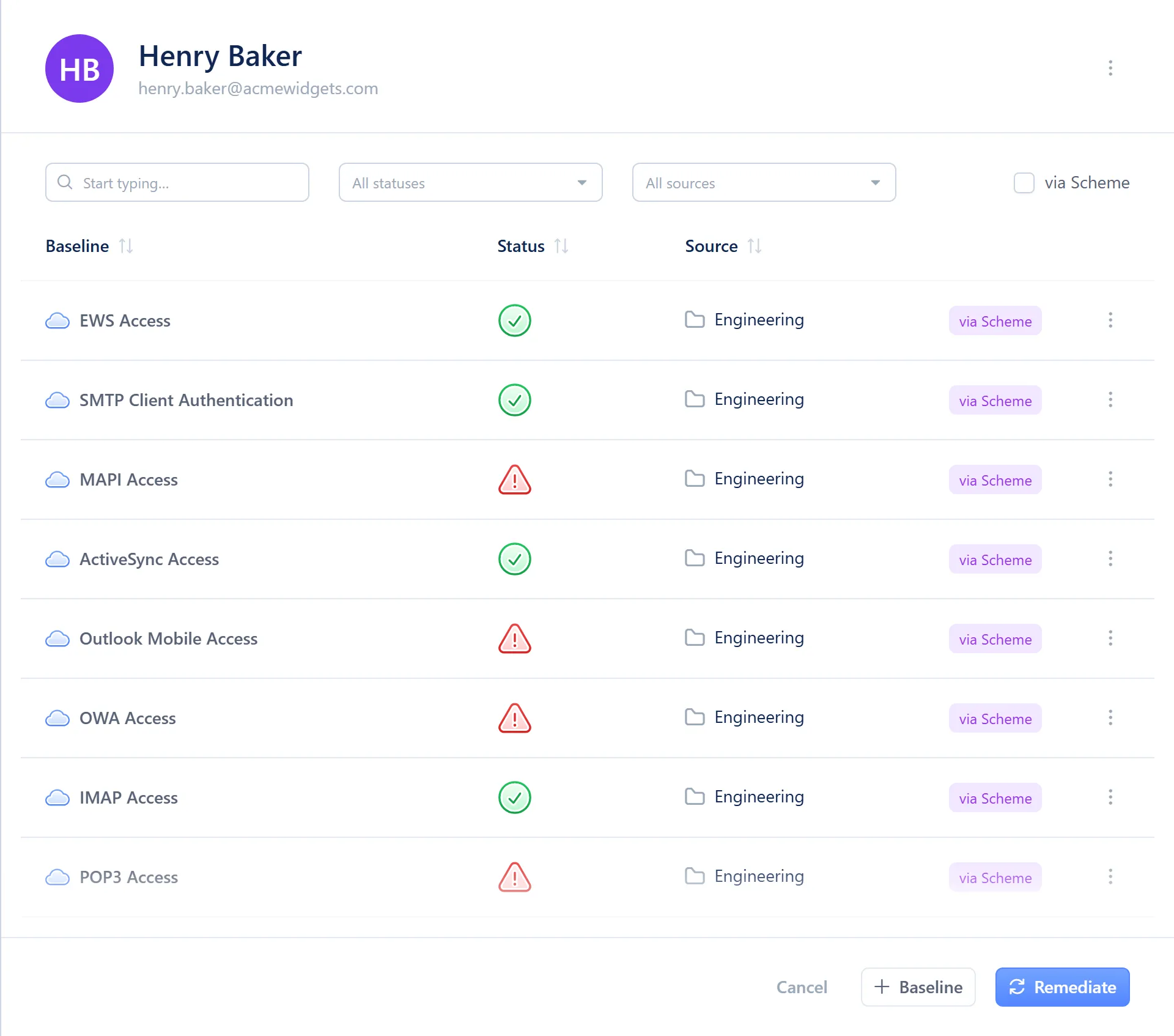
- Status column — Passing, Deviated or Excluded
- Status filter
Excluded means unlicensed
Section titled “Excluded means unlicensed”If a baseline you expected isn’t evaluated for someone, the usual reason is that they don’t hold the licence it needs.
Not assessed
Section titled “Not assessed”Sometimes Octiga doesn’t have an answer yet: no data has arrived, a read failed, the resource isn’t cached, or there’s no way to check this baseline right now. Octiga doesn’t treat this as Passing. It’s counted and shown with its reason, like any other verdict.
How fresh this is
Section titled “How fresh this is”Deviations update with sync, not live. Changes typically show within about an hour for directory and tenant-wide settings, and within about two hours for mailbox and authentication details when event monitoring is switched on for the tenant. A tenant without a usable audit-log signal is checked on a slower polling schedule instead. A change made directly in Microsoft 365 appears here after the next sync, or after an on-demand one. See How Octiga works for how sync works.
Retention
Section titled “Retention”Resolved deviations are kept for 13 months, then removed.